
RDR 2 Skin Changer
Outfits, weapons and cosmetics

At a glance
Key capabilities
What RDR 2 Skin Changer focuses on before you open the full module list.
Plus 6 additional modules in the operator portal—see the full list below.
Overview
Skin Changer & Cosmetics for RDR 2
How this build fits ranked, Turbo, and patch-day workflows.
Skin Changer centralizes outfits, weapon skins and cosmetic presets for Red Dead Redemption 2 with live preview, one-click apply and restore/reset.
Import compatible custom assets, save loadouts per session style, and share presets when you want a consistent look across PCs.
Cosmetic workflow
Browse the skin library, preview combinations, apply with one click, and save loadouts. Use restore & reset when you need the default look back.
Updates and sharing
Compatibility checks flag outdated configs after patches. Export and share presets when you want the same cosmetics on another PC—see the [skin changer guide](/blog/rdr-2-skin-changer-cosmetics-guide/).
Modules
What's included
Every module and overlay shipped with RDR 2 Skin Changer—toggle and tune in the operator portal.
- Multi-Game Support with compatibility profiles
- Skin Library (characters, weapons, outfits, cosmetics)
- Live Skin Preview
- One-Click Skin Apply
- Custom Skin Import
- Loadout Manager
- Skin Restore & Reset
- Automatic Game Detection
- Game Update Compatibility checks
- Profile & Preset Sharing
Experience
In the client · After you buy
Use the screenshots above for RDR 2 Skin Changer—below is what each layer means and how access works after checkout.
In-game layers
- Layer A
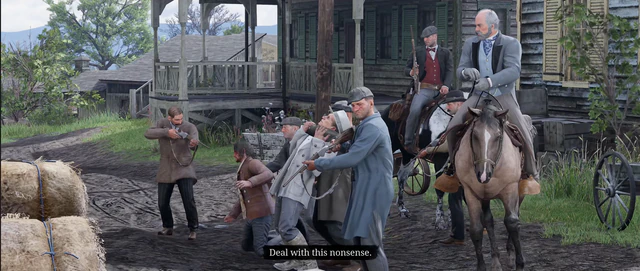
Duel
Duel and close-range combat in RDR 2.
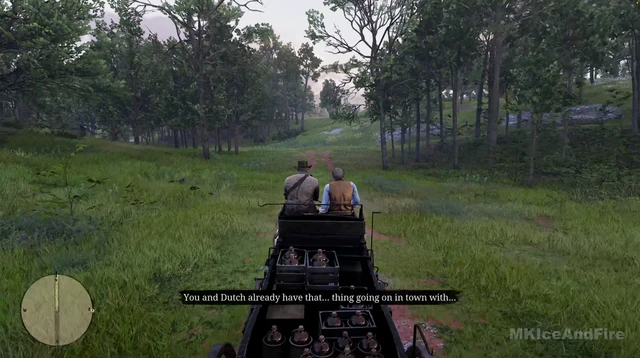
- Layer B
Horseback
Mount travel across the RDR 2 frontier.
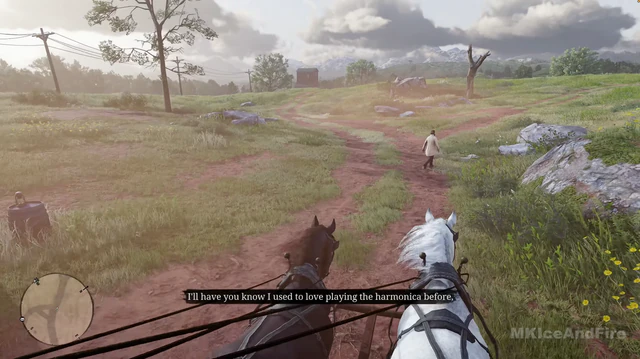
- Layer C
Wilderness
Hunting and exploration in RDR 2 wilderness.
Guides
Learn more about RDR 2 Skin Changer
Curated articles for setup, tuning, and patch-day checks that match this product.
Preview outfits, holsters, and horse gear with the skin changer — pricing and ban risk on PC.
Export and import conservative cheat presets across posse members without leaking portal credentials.
Windows requirements, Rockstar launcher, and why console cheats do not apply to PC RDR2 tools.
What Red Dead Redemption 2 cheats mean on PC — story trainers, online risk, and the external suite sold at rdr2cheats.net.
Ranked modules — player ESP, legendary animal ESP, soft aim, radar, and stream-proof overlays — for Red Dead Redemption 2 on PC.
How Red Dead Redemption 2 ESP overlays work on PC — entity types, distance tags, and filters in the rdr2cheats.net loader.
Cheat FAQ
RDR 2 cheats questions
Straight answers on soft aim, ESP, bans and setup — see the full FAQ for every topic.